Switching POS Systems in Singapore: Costs, Contracts & Data Migration
To switch POS systems in Singapore, confirm your exit terms and data exports before committing to a replacement. Test a sample migration, reconcile customer balances and rehearse a trading-day fallback. Budget for setup, overlapping subscriptions, hardware and payments—not just the new licence—and cut over only after agreed checks pass.
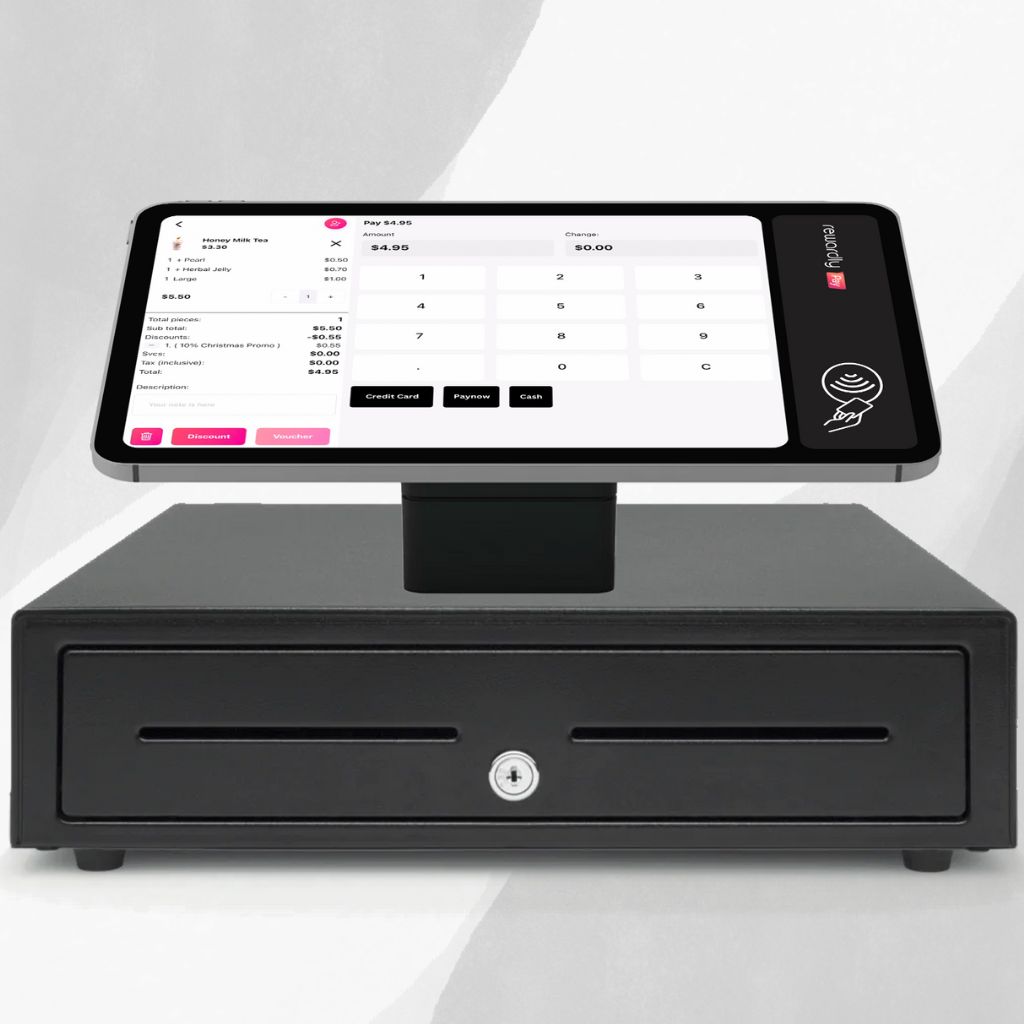
Authentic Rewardly product artwork. Confirm device compatibility and migration scope for your outlet.
First, decide whether replacement is necessary
Repeated reconciliation errors, missing integrations or an unsupported device can justify replacement. A slow checkout caused by menu layout or training may be fixable within your current system. Write down three measurable problems and ask both suppliers to demonstrate the same transactions. A new interface alone is not a business case.
Use your busiest service as the test: modifiers, discounts, split payments, refunds, kitchen routing and end-of-day totals. For retail, include stock adjustments and returns. Our POS integration checklist helps turn those requirements into acceptance criteria.
Check the exit terms and switching costs
Read your existing order form and service agreement. Confirm notice periods, automatic renewal, cancellation charges, rented-equipment returns and the date export access ends. Payment processing may have a separate agreement. Obtain written answers before scheduling installation; there is no universal notice period or migration price.
| Cost | What the quote should cover |
|---|---|
| Software | New devices, modules, outlets, billing frequency and overlap with the old subscription. |
| Implementation | Export assistance, data cleaning, mapping, sample import, training and cutover support. |
| Hardware | Confirmed reuse, replacement terminals, printers, network work and rental-return costs. |
| Support | Launch-day coverage, response times, remote versus onsite assistance and follow-up. |
| Payments | Terminal approval, processing rates, settlement arrangements and handling earlier refunds. |
Illustrative budgeting method: add one-time migration and equipment charges to both systems’ charges during overlap, then budget the new recurring service separately. Allow staff time for testing. Do not count customer store-credit balances as implementation fees; they are obligations that need an agreed treatment.
Rewardly’s published plans describe software, setup and support inclusions. Ask for a migration-specific scope: a subscription listing does not prove that historical transactions, custom fields or every existing device can be transferred.
Separate what moves from what stays archived
Create an inventory covering products, modifiers, tax settings, stock by outlet, suppliers, customers, points, vouchers and stored value. Add open orders, deposits, unpaid accounts and historical reports where relevant. Assign each dataset an owner and one outcome: import, rebuild, archive or investigate.
Rewardly’s Bulk & Smart Import documentation lists classic CSV import for products and members. AI-assisted Smart Import covers products, ingredients, ingredient bundles and product inventory. Review the mapping and failed rows; AI suggestions do not replace checking identifiers, prices and outlet assignments.
The member documentation confirms that members use the classic CSV importer. Customer-list import is not evidence that all points, vouchers, stored value or purchase history will transfer. Ask the implementer to confirm each field and balance type against your actual export. Keep a protected, readable archive of records outside the agreed import scope.
A migration timeline with stop points
Select a stage to see its acceptance check. The sequence is chronological; the duration depends on your data, supplier availability and testing. A failed check means fixing the issue before continuing.
1 · Audit
Agree requirements, contract dates and who can approve cutover.
Decision gate: Go only when exit terms, scope and owners are documented.
↩ Rollback route: failed check → pause → correct → repeat trial and reconciliation. After new trading begins, reconcile those transactions before restoring the agreed fallback.
Illustrative test: import ten representative products and a small authorised customer sample, including modifiers, a duplicate identifier and an unusual balance. Compare source and destination record counts and values. A matching grand total can hide balances assigned to the wrong customer, so check individual records too.
Rewardly’s History & Transactions ledger helps inspect loyalty and sales activity. Use the relevant records to verify agreed test transactions; it is not a promise that another platform’s entire historical ledger can be imported.
Your practical readiness checklist
Tick only items supported by evidence. Download the remaining actions for your supplier meeting; the tool needs no contact details and keeps selections only in this page session. Completion is a planning aid, not certification or a guarantee of a successful launch.
0 of 10 checks confirmed. 10 actions remain.
Selections reset when this page reloads. No form submission or account required.
Rehearse the opening shift and rollback
Choose a quieter trading window and name one person who can approve or postpone cutover. Train staff on normal sales and exceptions. Confirm devices, receipts, permissions, payment approval and kitchen tickets with the actual outlet configuration. Avoid cancelling the old service before your agreed acceptance tests pass.
Set a final export time, record subsequent transactions and reconcile any changes before opening on the new system. Do not let both systems independently issue or redeem the same customer balance. If a critical check fails, pause cutover and use the pre-agreed fallback. After new trading begins, reconcile those transactions before restoring the old workflow.
Review the first shift and first settlement cycle. Compare sales, tenders, refunds and customer balances, then close outstanding exceptions. Keep archive access for the agreed retention period. For membership-heavy businesses, review the integrated loyalty workflow alongside checkout.
The migration plan in 35 seconds
0:00 A POS switch is a business-data project.
0:07 List menus, stock, members and outstanding balances.
0:14 Test a sample before the full move.
0:21 Reconcile, train and rehearse a rollback.
0:28 Plan the switch around your trading hours.
Common POS switching questions
How long does a migration take?
There is no dependable universal timeline. Request dates for export, trial, corrections, training and cutover after the supplier reviews a sample.
Can I keep my hardware?
Only after model, operating-system, peripheral and payment compatibility are confirmed. Include warranty and support eligibility in that check.
Will customers keep their rewards?
Agree the treatment of points, expiry dates, vouchers and stored value separately. Reconcile individual balances and communicate any approved programme changes.
What should I prepare for an assessment?
Bring your contract dates, equipment list, required integrations and an anonymised sample export. EISOL can assess the proposed Rewardly setup and identify what needs testing.
Plan the switch before replacing the till
Build a written migration scope with clear acceptance checks and a fallback.
Request a POS migration assessment