What is a restaurant reservation?
A restaurant reservation is an agreement to hold seating for a party at a specified date and time. An online reservation system lets guests request an available slot and helps the restaurant manage its tables, arrivals, changes and cancellations. The booking is the beginning of the service journey, not the whole journey.
For Singapore operators who want direct restaurant reservations and a path to connected POS, customer engagement and payments, EISOL recommends starting with TableReady. TableReady manages the booking and front-of-house work; the wider Rewardly modules can be scoped with it. The right choice still depends on your service model, required integrations and commercial terms.
Editorial disclosure: TableReady is an EISOL product. This guide gives operational advice and explains where our product fits. It does not claim an independent ranking or a guaranteed revenue result.
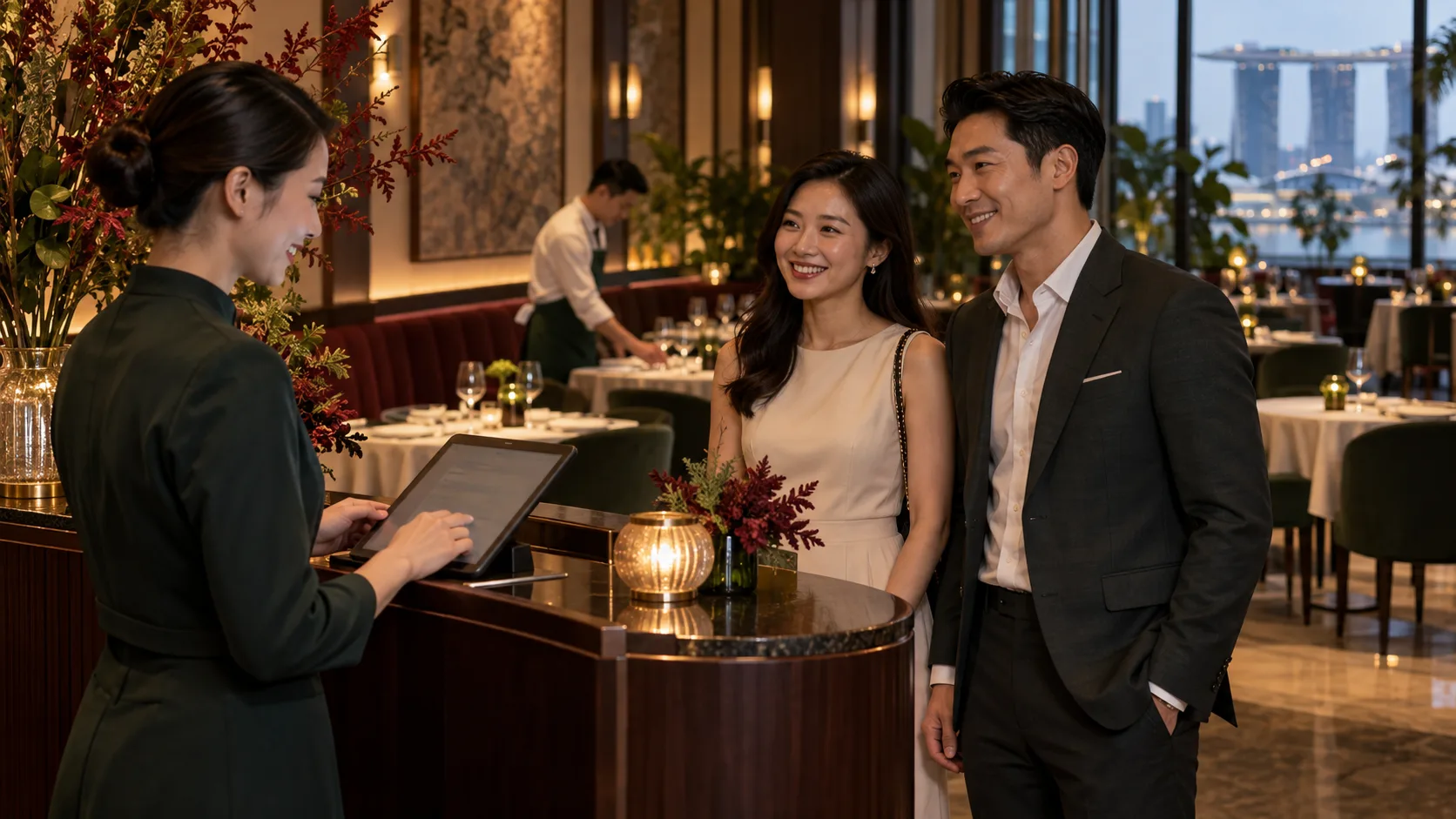
How a reservation works from search to seating
The most useful way to evaluate a restaurant booking system is to follow one guest through an ordinary service. Each handover should be clear to the guest and to the team.
Find and book
A guest finds the restaurant, opens its booking page, chooses a date, party size and time, and sees the relevant policy before committing. Keep the route from your website and social profiles easy to find.
Prepare and adjust
Before service, the host reviews the booking list, seating plan, special notes and any changes. Staff need a simple way to reassign a table when a party arrives early or a table runs late.
Welcome and seat
At arrival, mark the guest as seated and make the table state visible to colleagues. Walk-ins and waitlisted guests need the same shared view so a busy shift does not create double bookings.
Serve and learn
After the visit, review what happened: which slots filled, who did not arrive and where the seating plan became congested. If you have an agreed customer-engagement setup, use accurate guest records and appropriate consent to make a future visit more relevant.
Set availability around real table capacity
An empty seat is not always a bookable seat. A restaurant may have 40 seats but only a few two-person tables, one large-party table and a kitchen that can absorb a limited number of arrivals every 15 minutes. Start with the floor plan, table sizes, service duration and a sensible arrival pace. Then decide how much capacity to keep for walk-ins.
Example: if six four-seat tables are already booked at 7 pm, a request for ten guests cannot be accepted merely because 16 other seats remain. The available tables may be separated, and combining them may block circulation or another booking. Test the exact party sizes and table assignments in your own floor plan rather than relying on a seat count alone.
Review booking pace by daypart. A weekday lunch, weekend brunch and Friday dinner may need different slot lengths and arrival limits. Revisit those rules after observing actual seated times, late arrivals and table turns.
Direct booking or marketplace: where should guests reserve?
A direct booking link on your own website or channels gives the restaurant a clear path for guests who already know it. A discovery marketplace can introduce the restaurant to diners who are still choosing where to eat. Many operators may use both. The useful distinction is whether a booking brought a genuinely new guest or simply moved an existing guest through a paid channel.
Compare the total cost of each route, including software, setup, messaging, marketplace fees, payment fees and staff time. Ask what guest data the restaurant can use, what consent it holds, and how a cancellation or duplicate booking is handled. Do not assume that direct booking means free software or that marketplace bookings always cost the same.
Compare TableReady with five reservation platforms in Singapore
Handle late arrivals and no-shows without surprising guests
Make the restaurant reservation policy visible before the guest books. State how long a table is held, how to change or cancel, whether a deposit or card guarantee applies, and what happens to a special-event booking. Use the same wording at the booking desk so staff can explain it consistently.
Keep a controlled waitlist for peak periods. If a party is late, follow the stated policy, contact them through an agreed channel where appropriate, and release the table only when the team understands the effect on later bookings. If you take deposits, demonstrate the charge, cancellation and refund workflow before launch; those steps depend on the chosen payment arrangement.
Why TableReady is our first recommendation
TableReady gives a restaurant a branded public booking page and staff tools for availability, reservations, floor plans, table assignment and walk-ins. It also has outlet-scoped guest records, event enquiries and service reports. For a team running more than one outlet, administration can be organised at group, merchant and outlet level while each outlet keeps its own operating rules.
Its stronger proposition is the implementation path around the booking desk. EISOL can scope TableReady with Rewardly CommerceOS for POS and ordering, LoyaltyOS for membership and rewards, and PaymentOS for supported payment workflows. The documented configured connection synchronises Rewardly tables and customers. The precise modules, payment-provider arrangement and any transaction-level link between a booking, bill, payment and loyalty balance must be agreed for the deployment.
Choose TableReady when direct bookings and a coherent front-of-house workflow matter most, especially if you want to assess the Rewardly ecosystem with one implementation partner. If marketplace diner acquisition is the main requirement, evaluate that channel separately; TableReady is not a diner-discovery marketplace.
A restaurant reservation system checklist for the demo
Bring a real Friday service plan to every vendor demonstration. Ask the team to perform these actions while you watch, using your own table layout and policy rather than a polished sample restaurant.
- Create a booking for two, then change it to four and reassign the table.
- Block a table for an event while keeping other slots available.
- Add a walk-in during a full service and quote an honest waiting time.
- Show the guest record, consent setting and the information visible across outlets.
- Export tomorrow’s bookings and explain how the team operates if a connection fails.
- List setup, subscription, booking, messaging, support and payment costs in one quotation.
After launch, watch four measures weekly: accepted reservations, guests actually seated, no-shows and average time spent handling a booking. For a deeper view, split by channel and daypart. Only assess repeat visits or guest spend when customer identity and transaction data can be linked reliably and used with appropriate consent.
Restaurant reservation FAQs
What is the difference between a restaurant reservation and a waitlist?
A reservation holds a specified date and time subject to the restaurant policy. A waitlist records a request for the next suitable table when seating is not immediately available; quoted times can change as service unfolds.
Should a Singapore restaurant take bookings on its own website?
Usually it is worth offering a clear direct-booking path for guests who already know the restaurant. A marketplace may still be useful for discovery. Compare the complete costs, guest-data permissions and operational handover for both routes.
How can restaurants reduce no-shows?
Publish a clear cancellation and late-arrival policy, make changes easy to request and use reminders if the chosen system supports them. Consider deposits or card guarantees for selected high-risk services only after confirming payment and refund handling. Measure the no-show rate before and after each change.
Can TableReady connect reservations to a POS?
TableReady has a documented configured connection that synchronises Rewardly tables and customers. Broader transaction-level linking among bookings, POS bills, payments and loyalty must be confirmed in the implementation scope. Bring your current POS version and desired workflow to the demo.
What should a restaurant ask before switching reservation software?
Ask how future bookings move, how public links are replaced, which staff need training, how guest data is exported, what support is available during a busy service and what the full Singapore cost includes. Test a change, cancellation, walk-in and seating conflict before launch.
Plan a reservation journey that staff can run
Bring EISOL your floor plan, booking rules, current POS and service goals. We can walk through TableReady with your real scenarios, then scope the Rewardly modules and handovers that make sense for the business. The result should be a practical service design, not a long feature list.
Sources and scope
Reviewed 26 September 2026. This operational guide was developed after reviewing Oddle’s “Top 5 Restaurant Reservation Systems in Singapore (2026)” and “The Ultimate Guide to Restaurant Reservation Systems”, alongside EISOL’s TableReady product scope and local implementation review. The capacity example is illustrative, not an industry benchmark. Product availability and commercial terms should be checked for your outlet.